Obtain ESN
Tasks
- Log in to the iMaster NCE-Campus service plane as the admin user.
- Choose System > User Management > License Management on the home page.
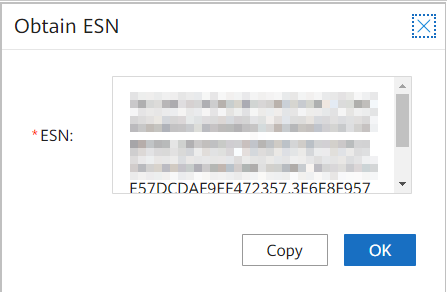
- Click Obtain ESN.
- In the Obtain ESN dialog box, record the generated ESN to apply for a license.
- Click Copy to collect ESN.